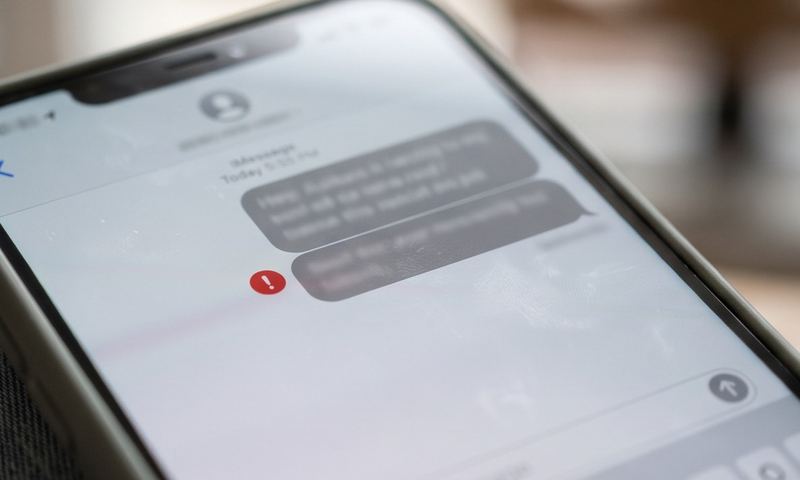
Texts go through fine, but photos get stuck with "Not Delivered" or just spin forever. iPhone handles MMS a little differently than Android under the hood, and the usual culprits — and where to find the settings — aren't in the same place.
Quick answer
On iPhone, this is usually either MMS Messaging being toggled off in Settings → Messages, cellular data being disabled for Messages specifically, or (less often) incorrect APN values carried over from a carrier switch or SIM swap. Check the Messages toggle first — it's the most commonly overlooked one.
Why This Happens
iOS bundles MMS sending into a single on/off switch inside the Messages app settings, separate from both your general cellular settings and your carrier's underlying APN configuration. It's easy to have this toggled off without realizing — sometimes flipped accidentally, sometimes reset after a carrier settings update or an iOS update.
Even with that toggle on, MMS still depends on the same underlying mechanism as Android: your carrier's MMSC, proxy, and port values, which on iPhone are usually provisioned automatically via a carrier settings update rather than a menu you edit directly. When those haven't been applied — commonly right after switching carriers or getting a new SIM — picture messages fail while regular texts keep working.
Cellular data access for the Messages app specifically can also be restricted without you noticing, especially if you've gone through and manually limited background data for individual apps to save data.
1
Go to Settings → Messages and confirm MMS Messaging is turned on. This single toggle is the most commonly overlooked cause.
2
Go to Settings → Cellular, scroll down, and confirm Messages has cellular data access enabled — if you've limited background data per app, this can silently block MMS specifically.
3
Check for a Carrier Settings Update: Settings → General → About. If one is available, you'll be prompted — these updates often silently fix exactly this kind of MMS provisioning issue.
4
Confirm you're on the latest iOS version: Settings → General → Software Update.
5
Toggle Airplane Mode on for 15 seconds, then off — this forces your carrier settings to re-provision, which can resolve a stuck MMS configuration without needing a full reset.
6
Check the photo's file size — iPhone can compress large images automatically for MMS, but a very large file or an unusual format occasionally fails to send; try a smaller photo to isolate the issue.
7
As a deeper fix, reset network settings: Settings → General → Transfer or Reset iPhone → Reset → Reset Network Settings. This re-downloads your carrier's MMS configuration from scratch, at the cost of forgetting saved Wi-Fi passwords.
Still Not Delivering?
If every setting above checks out and MMS still won't go through, it's worth confirming the recipient's carrier supports MMS from yours in the first place — cross-carrier MMS occasionally has compatibility gaps, particularly with prepaid or MVNO carriers riding on a larger network. Try sending to a different number on a different carrier to isolate whether it's your phone or the specific conversation.
Still stuck?
Find your exact carrier's APN settings
Search 1,100+ verified carrier configurations across 210 countries.
Why does this only happen in one conversation thread?
If it's limited to a single thread, especially a group chat, try starting a new message thread to the same people — old threads can occasionally get stuck in a bad delivery state that a fresh thread avoids.
Does Wi-Fi affect this?
iPhone can send MMS over Wi-Fi in some configurations, but it still needs an active cellular plan and correct MMS provisioning behind it — Wi-Fi alone doesn't bypass a broken MMS setup.
Will switching iMessage off and on help?
It can, since it forces Messages to re-register with Apple's servers, which occasionally clears a stuck state that was affecting fallback MMS delivery too.
Does a SIM swap reset these settings?
Often, yes — carrier settings updates (and the MMS provisioning that comes with them) are tied to your current SIM/carrier. After any SIM change, check for a carrier settings update before assuming something's broken.